
XF 1600 IFU 5.0 en.pdf
Vista previa de texto
Chapter 9
Cytometer QC and setup
Indicates that the analysis data is excluded from
management. The data point that is excluded from
management is not connected to the line, as shown on
the right.
Data that is excluded from management is shown in this way even if outside
the upper and lower limits.
For details on data that is excluded from management, see the following:
(➤P.81 "9.10.4 Managing QC data")
Baseline
Indicates that the baseline was set up.
Vial line
Indicates that the vial was changed.
Comment display
area
Displays comments on the cursor data.
Comment marks
Displayed if there are any comments on the QC result.
To enter comments, see the following:
(➤P.81 "9.10.4 Managing QC data")
Indicates comments for the cursor data.
The comments appear in the comment display area.
Indicates comments for data other than cursor data.
Cursor
Used to select a QC result for management.
For details about management, see the following:
(➤P.81 "9.10.4 Managing QC data")
The cursor is on the most recent QC result by default when the L-J charts
are displayed for the first time.
You can move the cursor to the result of the date/time you want to manage.
Date
Displays the date and time of the QC run selected by the cursor.
Note:
• Once the number of data points of a QC item reaches 500, each new data point will delete the oldest
data point.
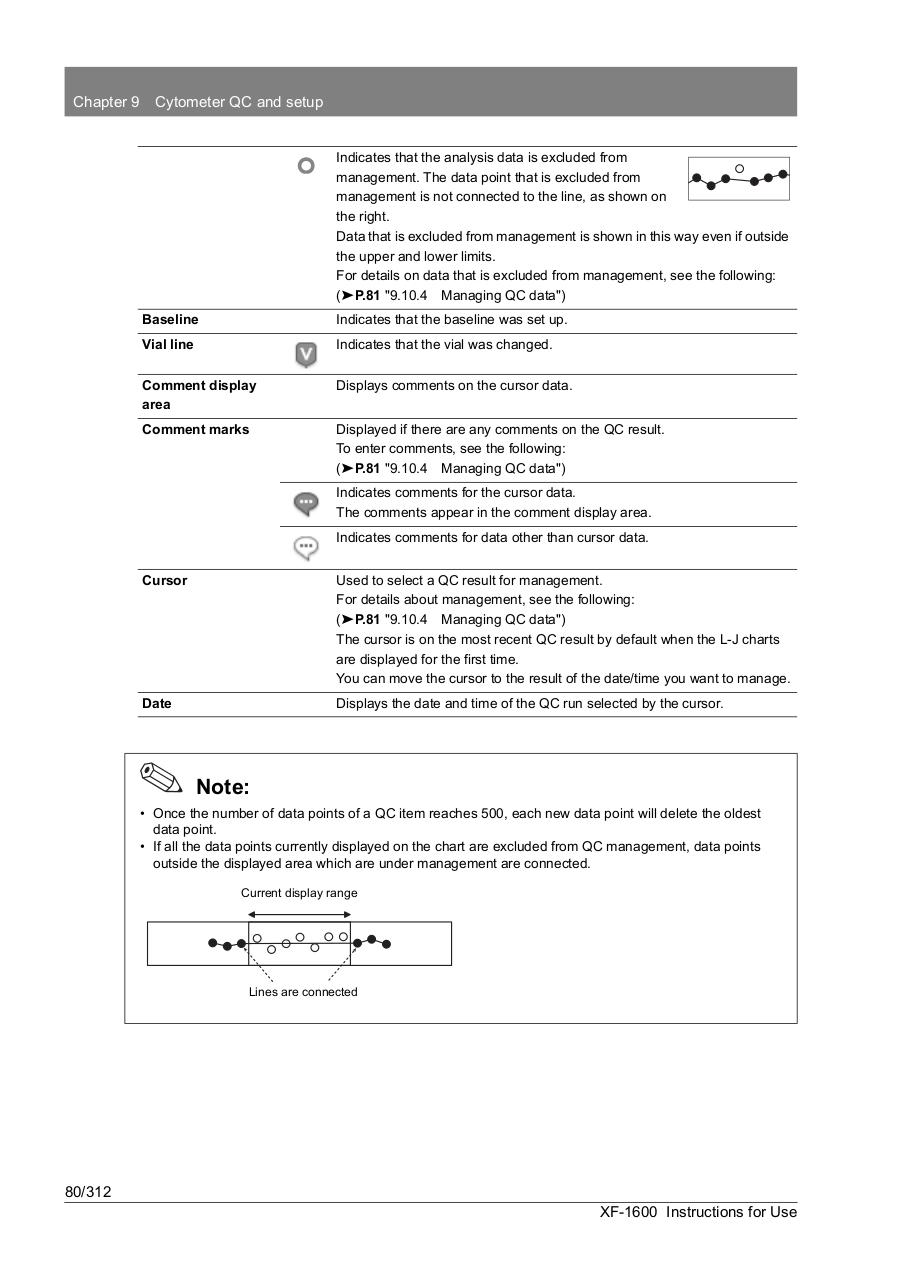
• If all the data points currently displayed on the chart are excluded from QC management, data points
outside the displayed area which are under management are connected.
Current display range
Lines are connected
80/312
XF-1600 Instructions for Use