
XF 1600 IFU 5.0 en.pdf
Vista previa de texto
Chapter 9
Cytometer QC and setup
1 Prepare quality control beads for running baseline setup.
For details on how to prepare the beads, check the package insert.
Caution
Do not use expired beads. Doing so can cause incorrect setup results.
2 Make sure that the QC file (lot information) for the QC beads is registered in
the QC file list.
For the lot information registration procedure, see the following:
(➤P.68 "9.7 Registering lot information")
3 Make sure that the analysis mode of the status area is set to [Manual]. If the
mode is set to [AutoLoader], press the mode switch.
The mode changes to [Manual] and the sample tube holder is automatically ejected.
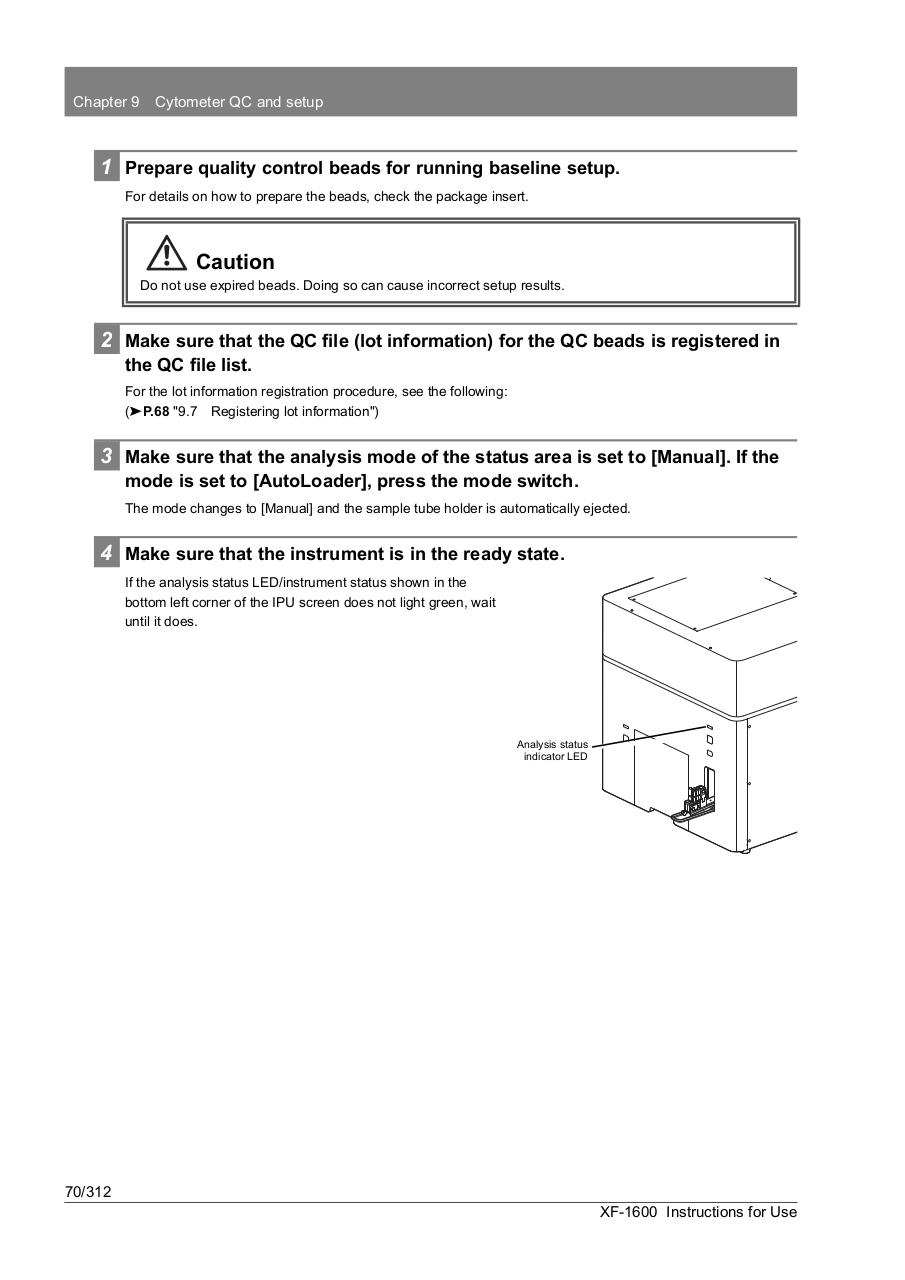
4 Make sure that the instrument is in the ready state.
If the analysis status LED/instrument status shown in the
bottom left corner of the IPU screen does not light green, wait
until it does.
Analysis status
indicator LED
70/312
XF-1600 Instructions for Use