
XF 1600 IFU 5.0 en.pdf
Vista previa de texto
Chapter 9
9.6
Cytometer QC and setup
QC screen
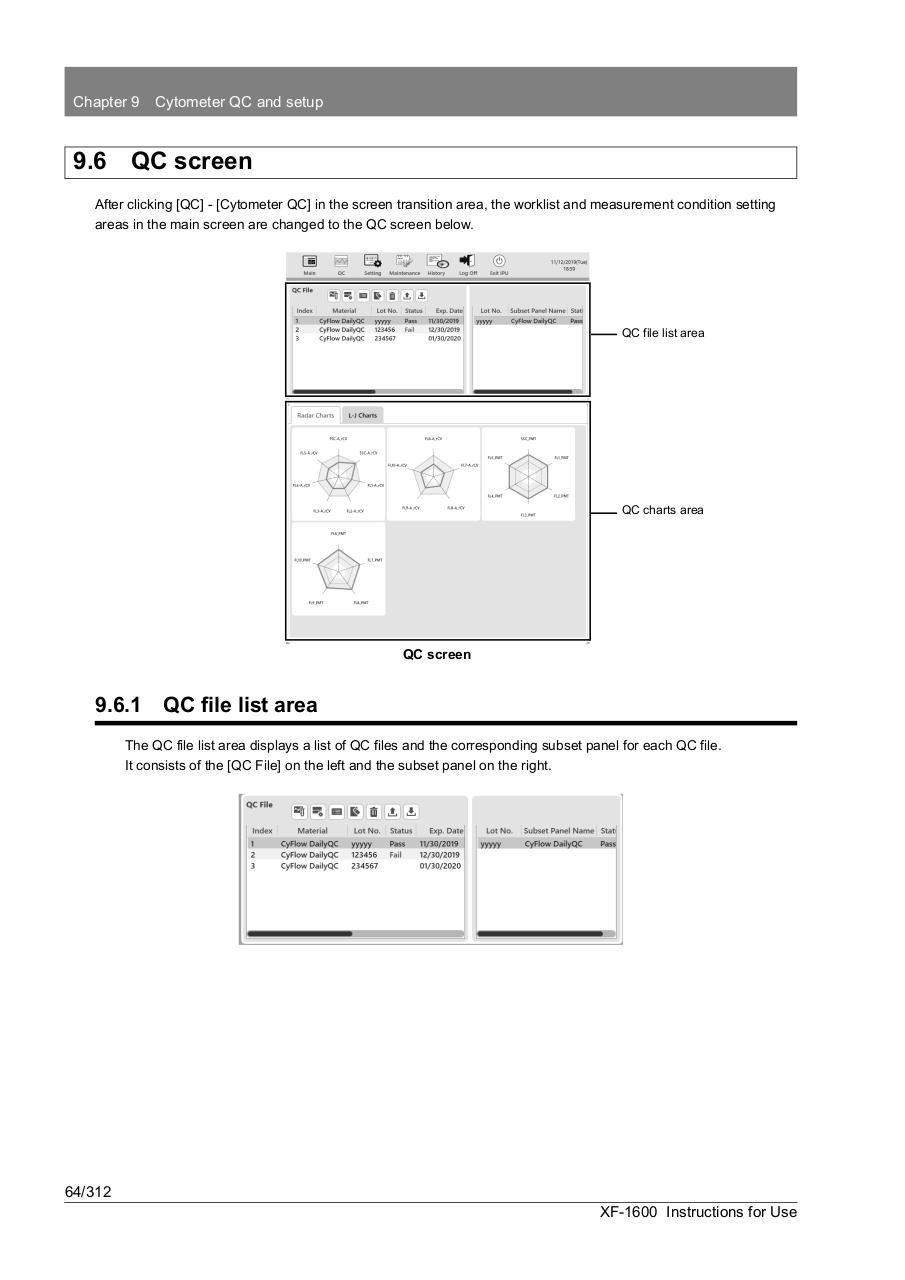
After clicking [QC] - [Cytometer QC] in the screen transition area, the worklist and measurement condition setting
areas in the main screen are changed to the QC screen below.
QC file list area
QC charts area
QC screen
9.6.1 QC file list area
The QC file list area displays a list of QC files and the corresponding subset panel for each QC file.
It consists of the [QC File] on the left and the subset panel on the right.
64/312
XF-1600 Instructions for Use