
XF 1600 IFU 5.0 en.pdf
Vista previa de texto
Chapter 8
Basic operation
8.5.1 Screen transition area
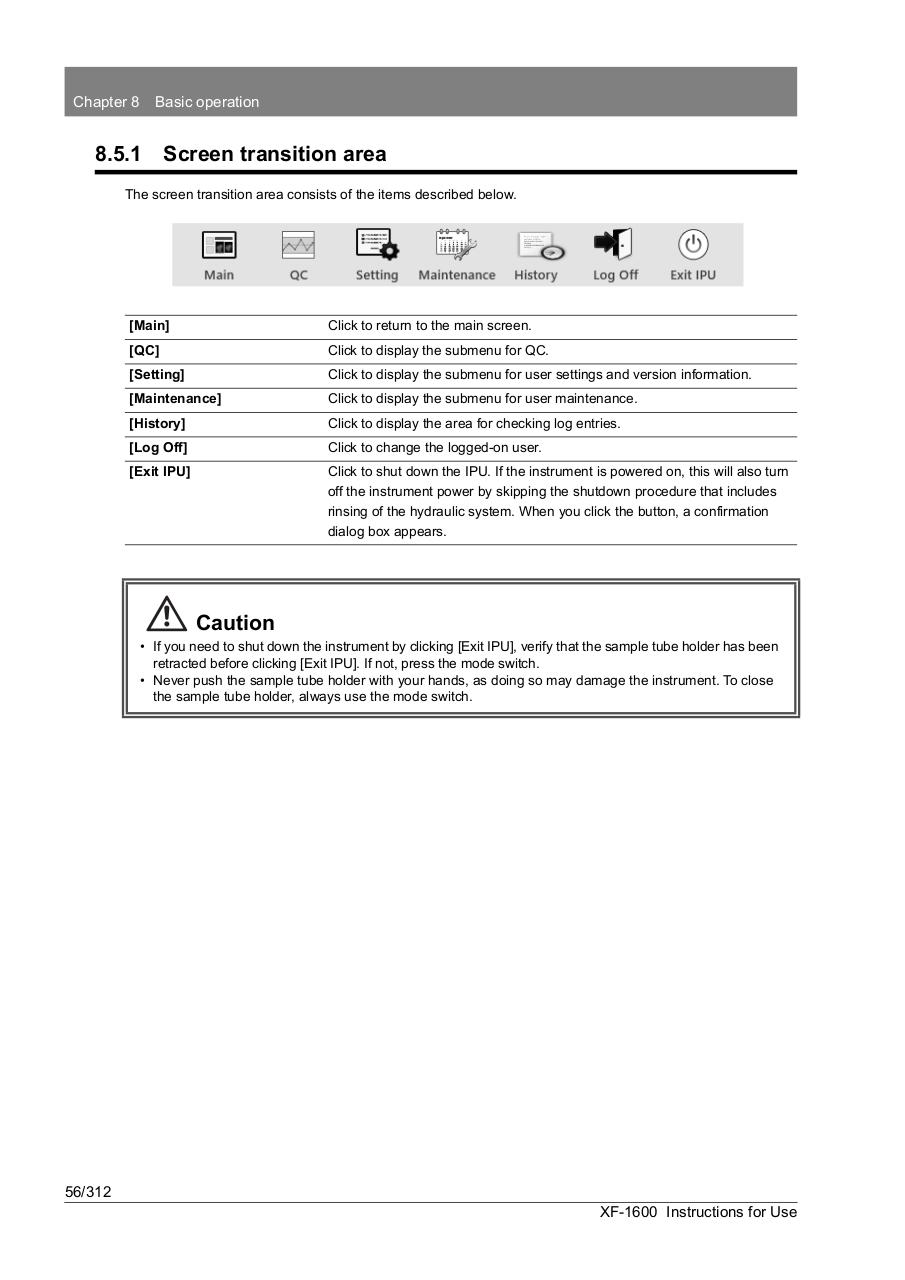
The screen transition area consists of the items described below.
[Main]
Click to return to the main screen.
[QC]
Click to display the submenu for QC.
[Setting]
Click to display the submenu for user settings and version information.
[Maintenance]
Click to display the submenu for user maintenance.
[History]
Click to display the area for checking log entries.
[Log Off]
Click to change the logged-on user.
[Exit IPU]
Click to shut down the IPU. If the instrument is powered on, this will also turn
off the instrument power by skipping the shutdown procedure that includes
rinsing of the hydraulic system. When you click the button, a confirmation
dialog box appears.
Caution
• If you need to shut down the instrument by clicking [Exit IPU], verify that the sample tube holder has been
retracted before clicking [Exit IPU]. If not, press the mode switch.
• Never push the sample tube holder with your hands, as doing so may damage the instrument. To close
the sample tube holder, always use the mode switch.
56/312
XF-1600 Instructions for Use