
XF 1600 IFU 5.0 en.pdf
Vista previa de texto
Chapter 10
2 Click
Registering panel/subset panel and workitems
(Create) in the [Panel List] area.
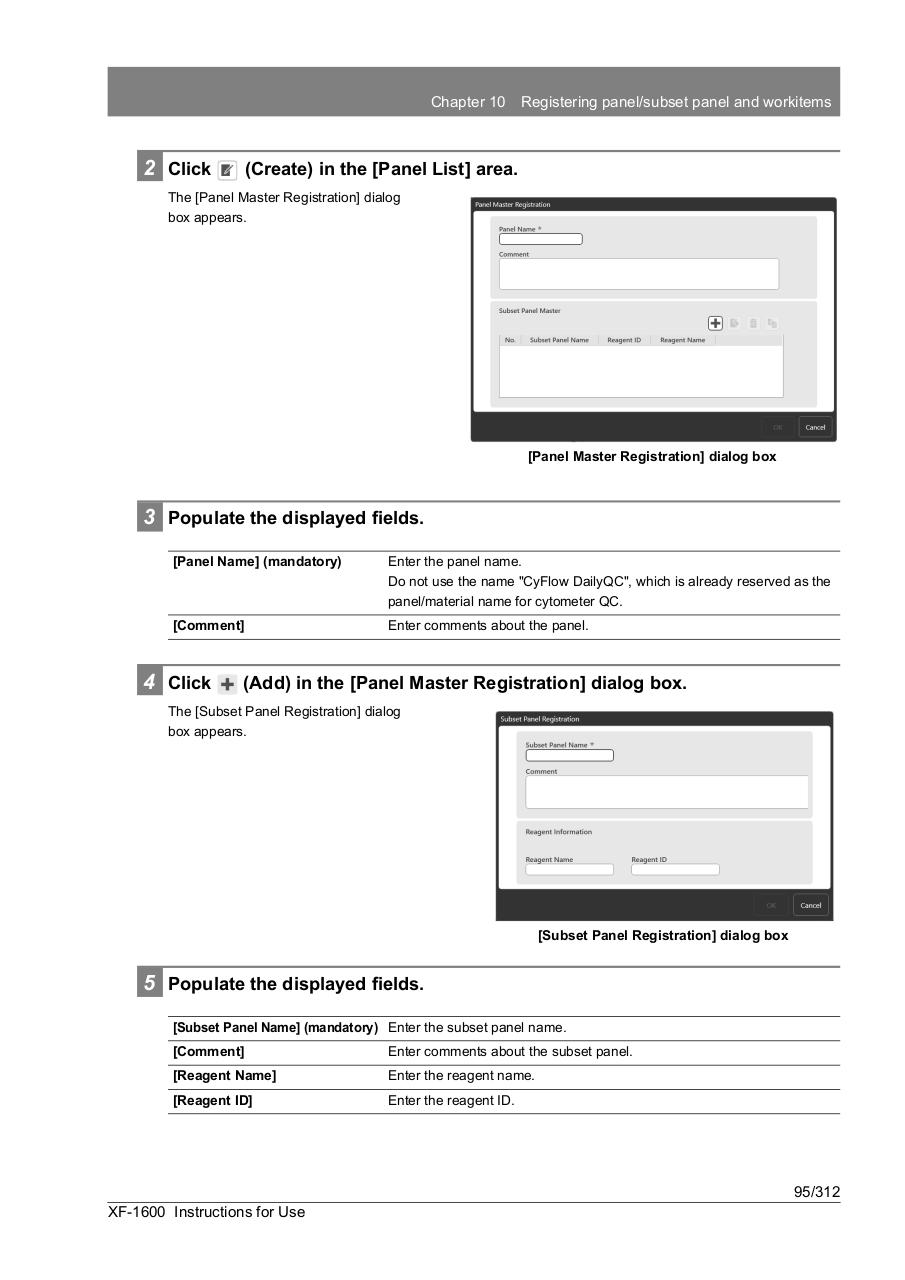
The [Panel Master Registration] dialog
box appears.
[Panel Master Registration] dialog box
3 Populate the displayed fields.
[Panel Name] (mandatory)
Enter the panel name.
Do not use the name "CyFlow DailyQC", which is already reserved as the
panel/material name for cytometer QC.
[Comment]
Enter comments about the panel.
4 Click
(Add) in the [Panel Master Registration] dialog box.
The [Subset Panel Registration] dialog
box appears.
[Subset Panel Registration] dialog box
5 Populate the displayed fields.
[Subset Panel Name] (mandatory) Enter the subset panel name.
[Comment]
Enter comments about the subset panel.
[Reagent Name]
Enter the reagent name.
[Reagent ID]
Enter the reagent ID.
95/312
XF-1600 Instructions for Use