
XF 1600 IFU 5.0 en.pdf
Vista previa de texto
Chapter 9
9.11
Cytometer QC and setup
Managing QC files
⏺ Modifying
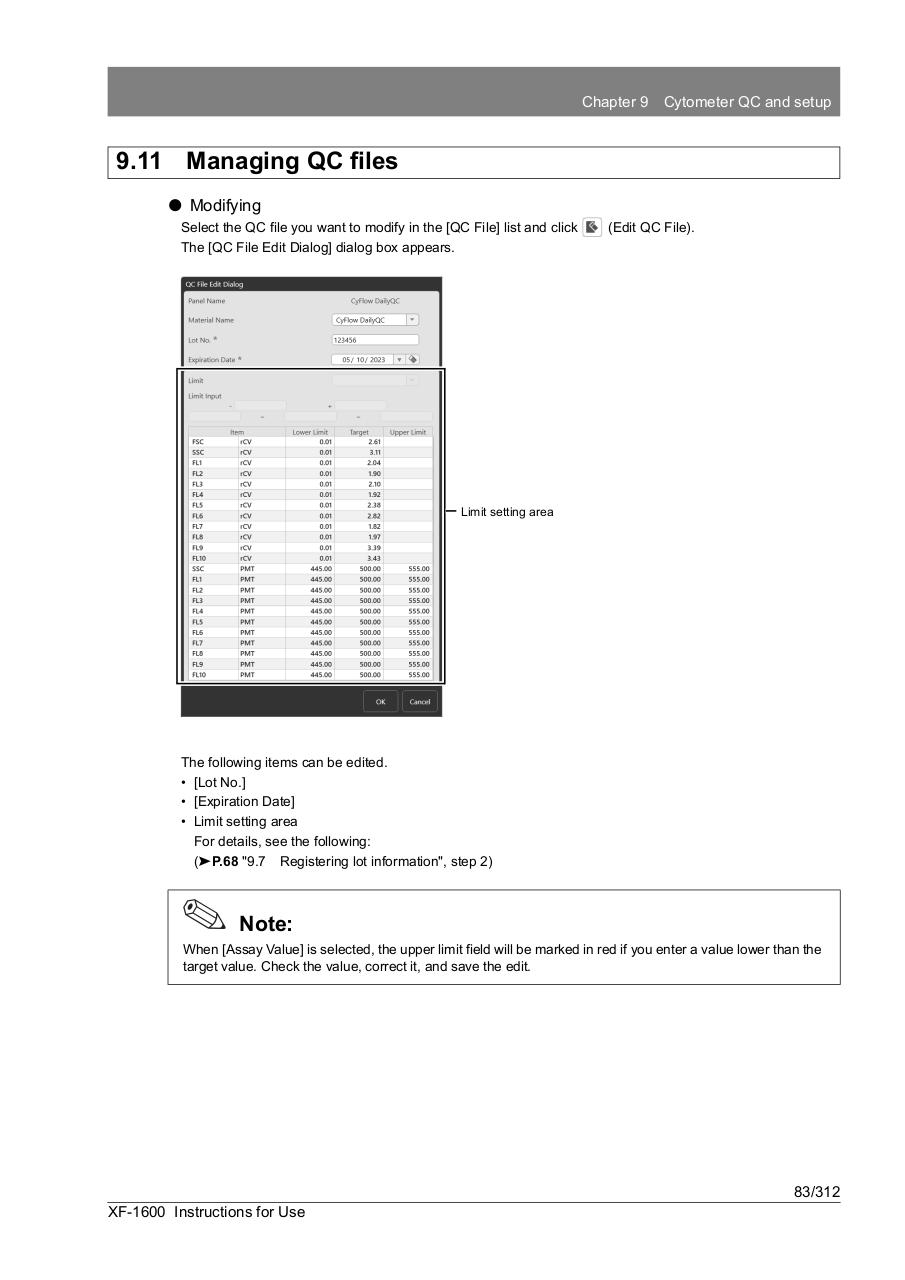
Select the QC file you want to modify in the [QC File] list and click
The [QC File Edit Dialog] dialog box appears.
(Edit QC File).
Limit setting area
The following items can be edited.
• [Lot No.]
• [Expiration Date]
• Limit setting area
For details, see the following:
(➤P.68 "9.7 Registering lot information", step 2)
Note:
When [Assay Value] is selected, the upper limit field will be marked in red if you enter a value lower than the
target value. Check the value, correct it, and save the edit.
83/312
XF-1600 Instructions for Use