
samba ldap howto.pdf
Vista previa de texto
The SAMBA-LDAP-PDC Howto
9
Revision : 1.24
Group management
In Samba branch 2 2, only 2 groups are dealed for Microsoft Windows workstations: Domain
Admins and Domain Users. All other groups are considered Local Unix Group. That’s
mean that a Samba user will only be Domain user or Domain Admin. If you only use Samba
servers, there will be no problem, but if you plan to use Microsoft Windows NT member server
using groups, just forget about it...
To manager group accounts, you can use:
1. smbldap-tools using the following scripts:
• smbldap-groupadd.pl : to add a new group
• smbldap-groupdel.pl : to delete an existing group
• smbldap-groupmod.pl : to modify an existing group
2. idxldapaccounts if you are looking for a nice Graphical User Interface.
Both method will be presented hereafter.
9.1
A LDAP view
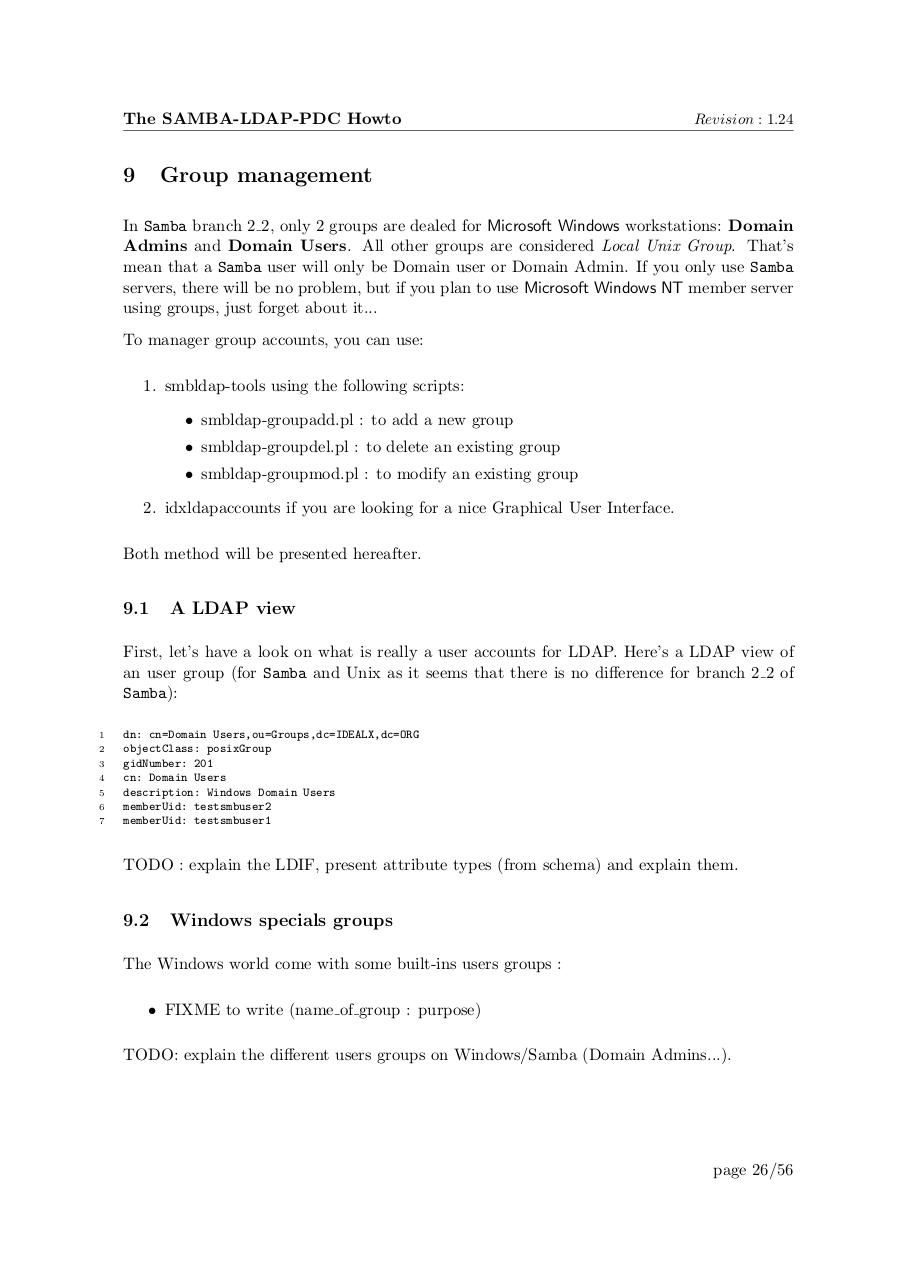
First, let’s have a look on what is really a user accounts for LDAP. Here’s a LDAP view of
an user group (for Samba and Unix as it seems that there is no difference for branch 2 2 of
Samba):
1
2
3
4
5
6
7
dn: cn=Domain Users,ou=Groups,dc=IDEALX,dc=ORG
objectClass: posixGroup
gidNumber: 201
cn: Domain Users
description: Windows Domain Users
memberUid: testsmbuser2
memberUid: testsmbuser1
TODO : explain the LDIF, present attribute types (from schema) and explain them.
9.2
Windows specials groups
The Windows world come with some built-ins users groups :
• FIXME to write (name of group : purpose)
TODO: explain the different users groups on Windows/Samba (Domain Admins...).
page 26/56