
samba ldap howto.pdf
Vista previa de texto
The SAMBA-LDAP-PDC Howto
8
Revision : 1.24
User management
To manager user accounts, you can use:
1. smbldap-tools, using the following scripts:
• smbldap-useradd.pl : to add a new user
• smbldap-userdel.pl : to delete an existing user
• smbldap-usermod.pl : to modify an existing user data
2. idxldapaccounts if you are looking for a nice Graphical User Interface.
Both method will be presented hereafter.
8.1
A LDAP view
First, let’s have a look on what is really a user accounts for LDAP. In fact, there is two kinds
of user accounts :
• Posix Accounts, for use with LDAP-aware systems like Unix (Linux using pam ldap and
nss ldap, in this HOWTO). Those kind of accounts use the posixAccount, or shadowAccount if you are using shadow passwords.
• Samba Accounts, for the use of Samba Windows user accounts (and computer accounts
too). Those kind of accounts use the sambaAccount LDAP object class (according to
the Samba samba.schema).
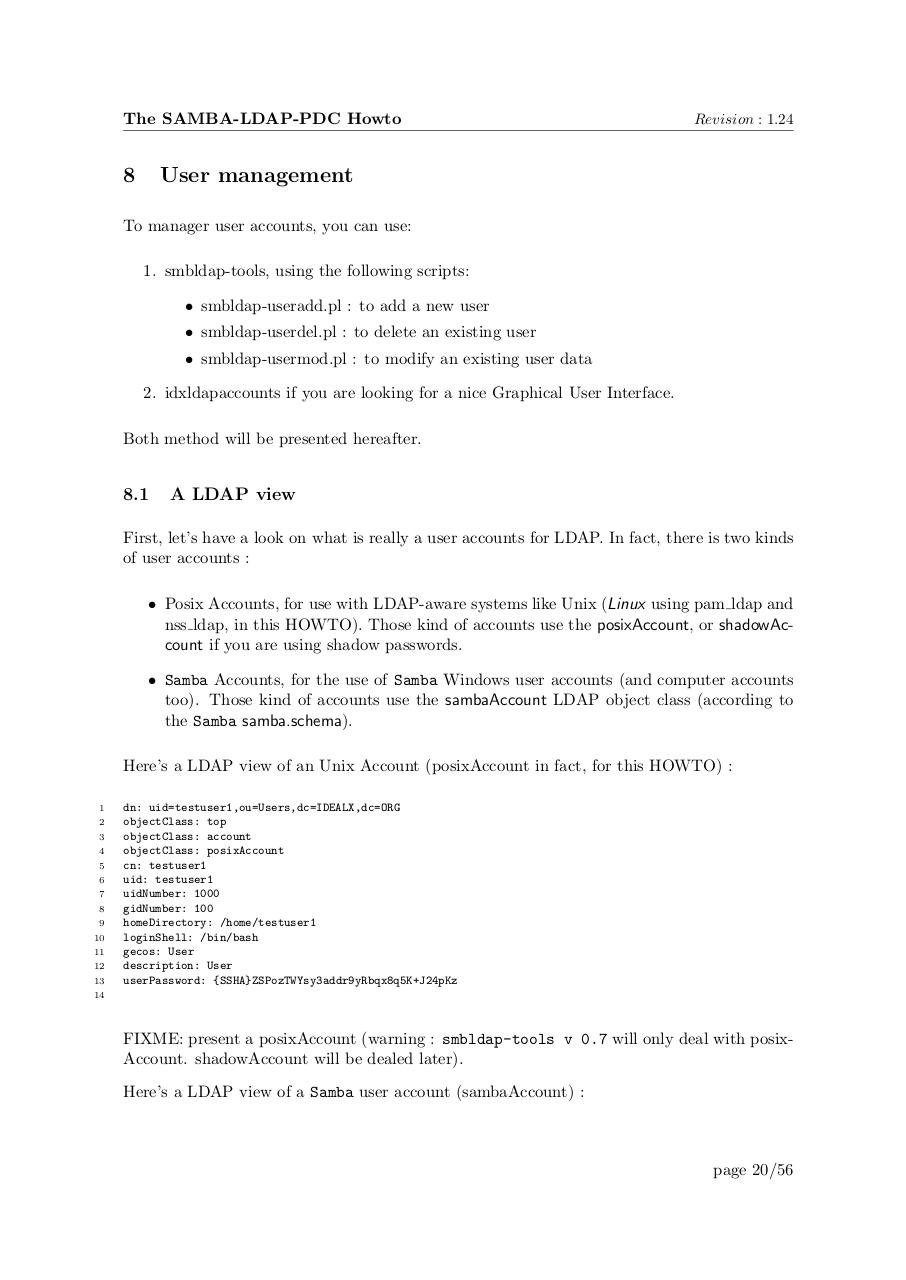
Here’s a LDAP view of an Unix Account (posixAccount in fact, for this HOWTO) :
1
2
3
4
5
6
7
8
9
10
11
12
13
dn: uid=testuser1,ou=Users,dc=IDEALX,dc=ORG
objectClass: top
objectClass: account
objectClass: posixAccount
cn: testuser1
uid: testuser1
uidNumber: 1000
gidNumber: 100
homeDirectory: /home/testuser1
loginShell: /bin/bash
gecos: User
description: User
userPassword: {SSHA}ZSPozTWYsy3addr9yRbqx8q5K+J24pKz
14
FIXME: present a posixAccount (warning : smbldap-tools v 0.7 will only deal with posixAccount. shadowAccount will be dealed later).
Here’s a LDAP view of a Samba user account (sambaAccount) :
page 20/56