
samba ldap howto.pdf
Vista previa de texto
The SAMBA-LDAP-PDC Howto
Revision : 1.24
Warning: a special attention must be taken about the account sufficient parameters as it
seems RedHat authconfig tools place it as ’required’ in any case (which is not the way you’ll
need).
5.2
/etc/ldap.conf
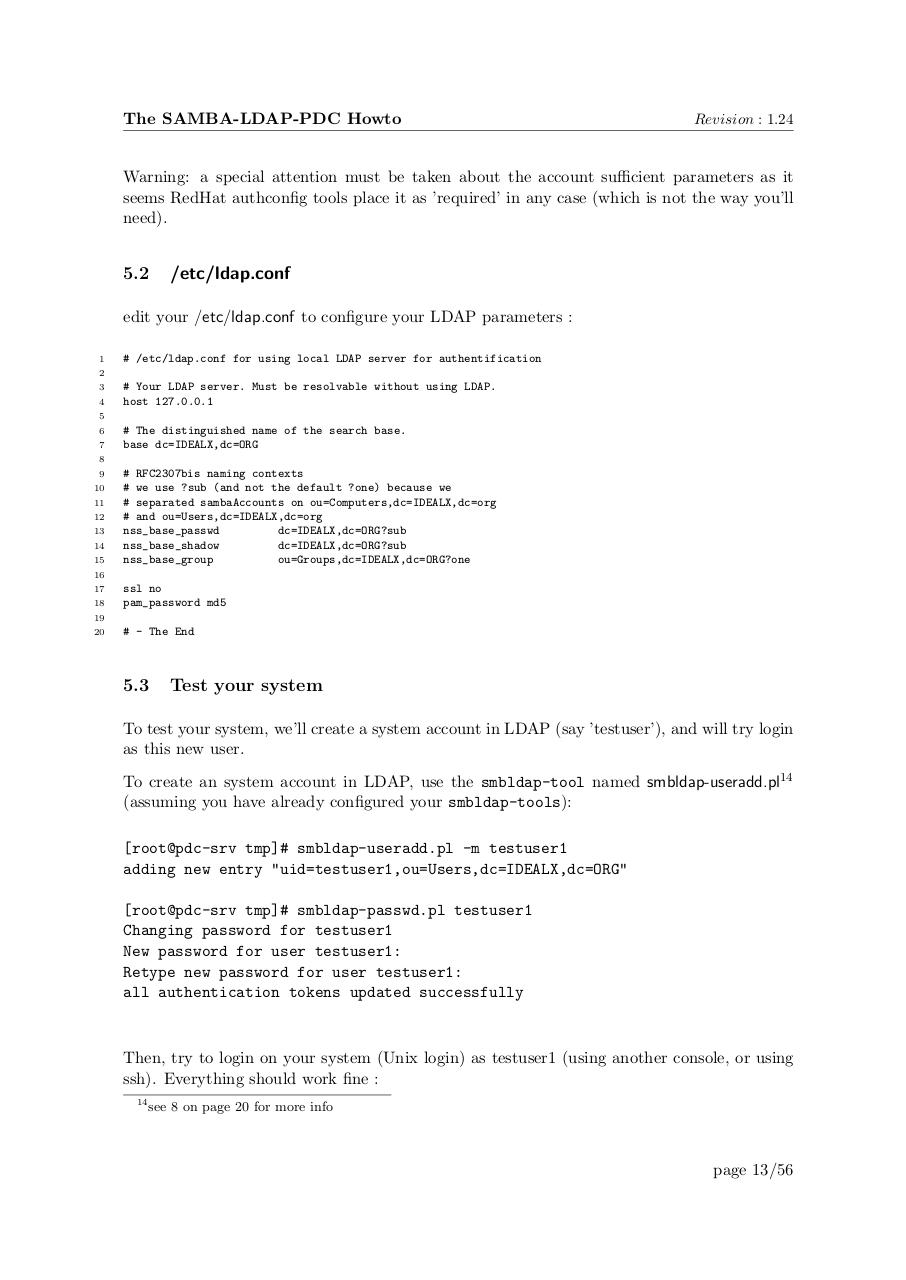
edit your /etc/ldap.conf to configure your LDAP parameters :
1
# /etc/ldap.conf for using local LDAP server for authentification
2
3
4
# Your LDAP server. Must be resolvable without using LDAP.
host 127.0.0.1
5
6
7
# The distinguished name of the search base.
base dc=IDEALX,dc=ORG
8
9
10
11
12
13
14
15
# RFC2307bis naming contexts
# we use ?sub (and not the default ?one) because we
# separated sambaAccounts on ou=Computers,dc=IDEALX,dc=org
# and ou=Users,dc=IDEALX,dc=org
nss_base_passwd
dc=IDEALX,dc=ORG?sub
nss_base_shadow
dc=IDEALX,dc=ORG?sub
nss_base_group
ou=Groups,dc=IDEALX,dc=ORG?one
16
17
18
ssl no
pam_password md5
19
20
# - The End
5.3
Test your system
To test your system, we’ll create a system account in LDAP (say ’testuser’), and will try login
as this new user.
To create an system account in LDAP, use the smbldap-tool named smbldap-useradd.pl14
(assuming you have already configured your smbldap-tools):
[root@pdc-srv tmp]# smbldap-useradd.pl -m testuser1
adding new entry "uid=testuser1,ou=Users,dc=IDEALX,dc=ORG"
[root@pdc-srv tmp]# smbldap-passwd.pl testuser1
Changing password for testuser1
New password for user testuser1:
Retype new password for user testuser1:
all authentication tokens updated successfully
Then, try to login on your system (Unix login) as testuser1 (using another console, or using
ssh). Everything should work fine :
14
see 8 on page 20 for more info
page 13/56