
samba ldap howto.pdf
Vista previa de texto
The SAMBA-LDAP-PDC Howto
4.1
Revision : 1.24
Schemas
First, copy the Samba samba.schema to /etc/openldap/schema/samba.schema.
You’ll find this Samba schema shipped with the Samba-2.2.4 release (/example/LDAP/samba.schema
in the source package, or in /usr/share/doc/samba-2.2.4/examples/LDAP/samba.schema if
you used the modified RedHat RawHide package to build and install Samba)
If you plan using inetOrgPerson schema, then edit this schema to comment the ’displayName’ attributetype. In this Howto, we’ll use inetOrgPerson schema who already define this
attributetype. You can have a look on 22.1 on page 51 to see a sample ’patched’ Samba
schema. If you don’t use inetOrgPerson, then you don’t need to comment the ’displayName’
in the samba.schema. In this Howto we’ve used inetOrgPerson because we want to merge
organizational datas with technical datas, in a technical directory. It’s not mandatory : feel
free to use a context who feet your needs.
4.2
Configuration
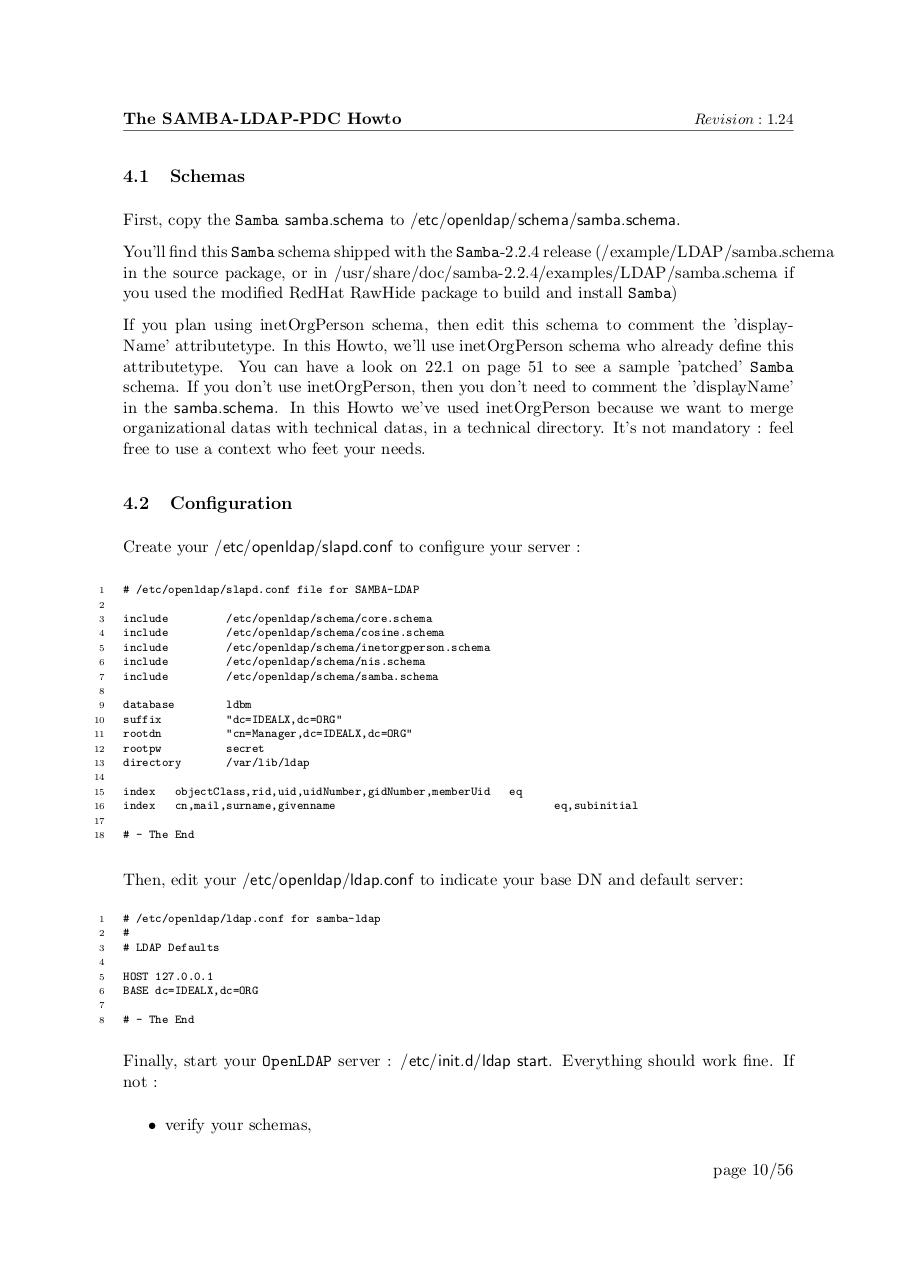
Create your /etc/openldap/slapd.conf to configure your server :
1
# /etc/openldap/slapd.conf file for SAMBA-LDAP
2
3
4
5
6
7
include
include
include
include
include
/etc/openldap/schema/core.schema
/etc/openldap/schema/cosine.schema
/etc/openldap/schema/inetorgperson.schema
/etc/openldap/schema/nis.schema
/etc/openldap/schema/samba.schema
database
suffix
rootdn
rootpw
directory
ldbm
"dc=IDEALX,dc=ORG"
"cn=Manager,dc=IDEALX,dc=ORG"
secret
/var/lib/ldap
8
9
10
11
12
13
14
15
16
index
index
objectClass,rid,uid,uidNumber,gidNumber,memberUid
cn,mail,surname,givenname
eq
eq,subinitial
17
18
# - The End
Then, edit your /etc/openldap/ldap.conf to indicate your base DN and default server:
1
2
3
# /etc/openldap/ldap.conf for samba-ldap
#
# LDAP Defaults
4
5
6
HOST 127.0.0.1
BASE dc=IDEALX,dc=ORG
7
8
# - The End
Finally, start your OpenLDAP server : /etc/init.d/ldap start. Everything should work fine. If
not :
• verify your schemas,
page 10/56