
XF 1600 IFU 5.0 en.pdf
Vista previa de texto
Chapter 10
2 Click
Registering panel/subset panel and workitems
(Auto Loader Registration) in the worklist commands.
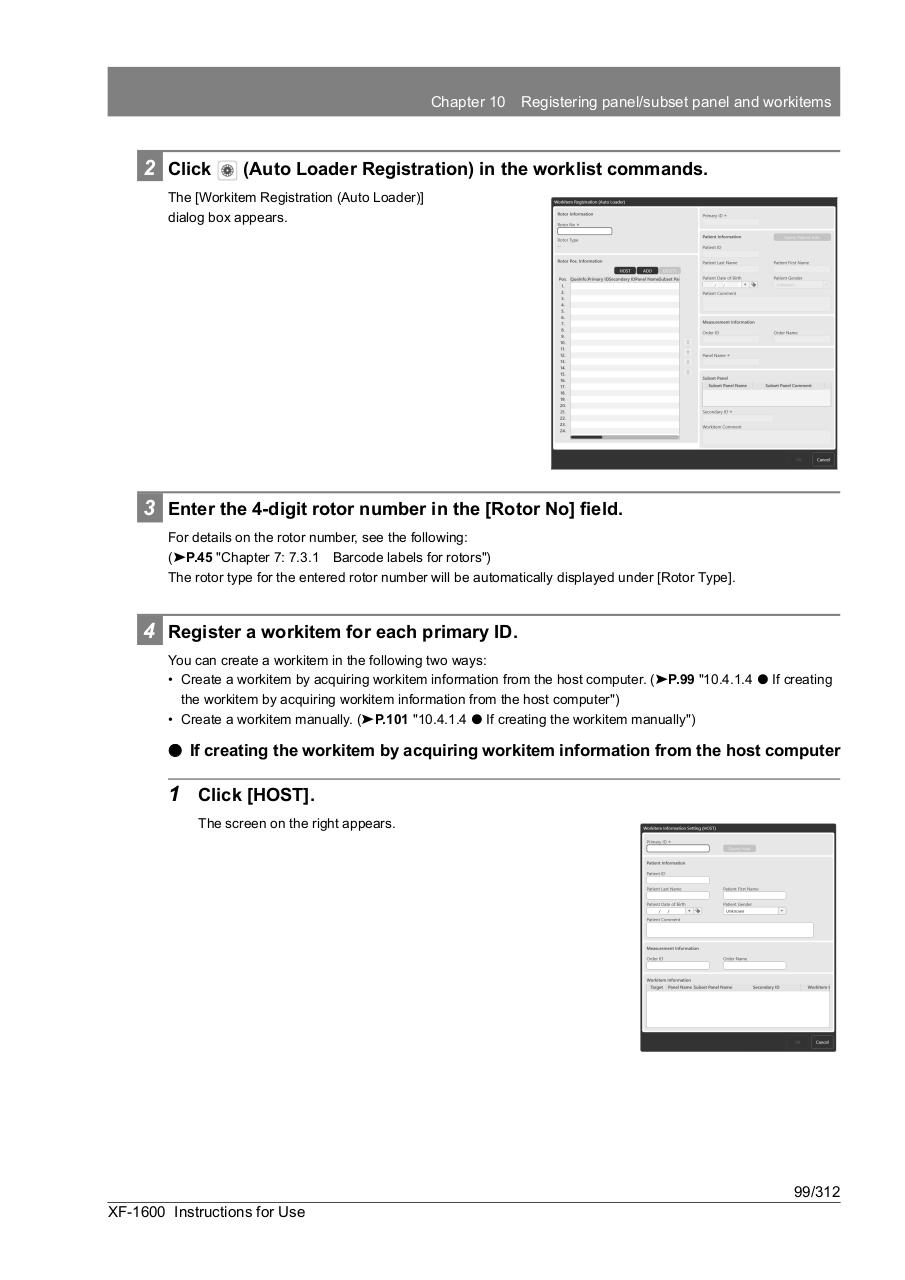
The [Workitem Registration (Auto Loader)]
dialog box appears.
3 Enter the 4-digit rotor number in the [Rotor No] field.
For details on the rotor number, see the following:
(➤P.45 "Chapter 7: 7.3.1 Barcode labels for rotors")
The rotor type for the entered rotor number will be automatically displayed under [Rotor Type].
4 Register a workitem for each primary ID.
You can create a workitem in the following two ways:
• Create a workitem by acquiring workitem information from the host computer. (➤P.99 "10.4.1.4 ⏺ If creating
the workitem by acquiring workitem information from the host computer")
• Create a workitem manually. (➤P.101 "10.4.1.4 ⏺ If creating the workitem manually")
⏺ If creating the workitem by acquiring workitem information from the host computer
1 Click [HOST].
The screen on the right appears.
99/312
XF-1600 Instructions for Use