
XF 1600 IFU 5.0 en.pdf
Vista previa de texto
Chapter 10
Registering panel/subset panel and workitems
Chapter 10 Registering panel/subset panel and workitems
This chapter explains how to register panel/subset panels and workitems in the worklist before running
samples.
10.1
Worklist area
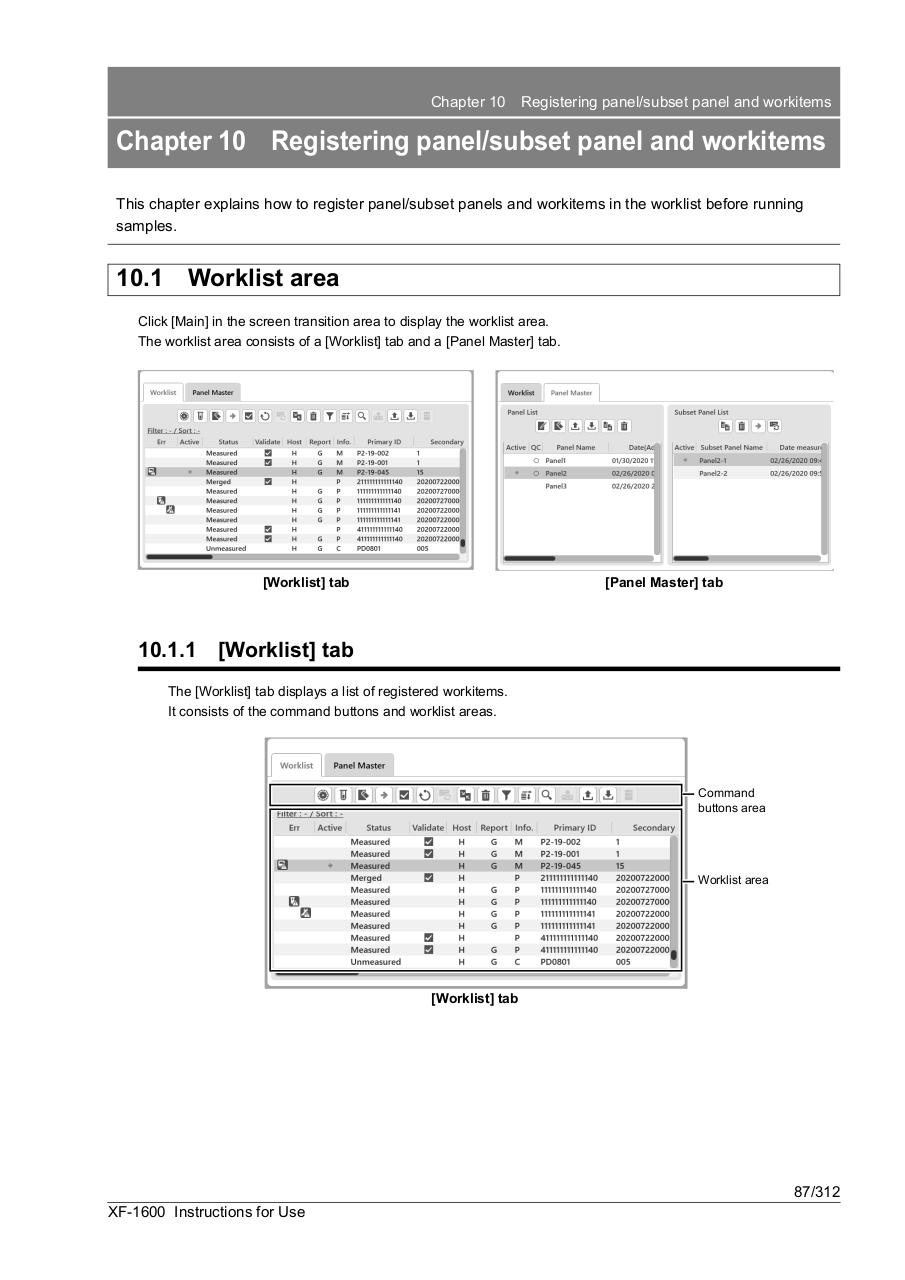
Click [Main] in the screen transition area to display the worklist area.
The worklist area consists of a [Worklist] tab and a [Panel Master] tab.
[Worklist] tab
10.1.1
[Panel Master] tab
[Worklist] tab
The [Worklist] tab displays a list of registered workitems.
It consists of the command buttons and worklist areas.
Command
buttons area
Worklist area
[Worklist] tab
87/312
XF-1600 Instructions for Use