
XF 1600 IFU 5.0 en.pdf
Vista previa de texto
Chapter 8
8.2.2
Basic operation
Turning the power on
1 Verify that the main power switch of each device is on.
The analyzer power is controlled by the IPU, so the main power switch can be kept in the "ON" position at all
times. Check the main power of the following devices:
• Analyzer (➤P.27 "Chapter 3: 3.1 Analyzer")
• Monitor
• Printer (optional)
2 Turn the IPU power on.
The instrument power turns on and the analyzer runs a self-test. (➤P.50 "8.2.3
test")
Executing an analyzer self-
Note:
If an error occurs during startup (for example, [Tube remains in tube holder]), you must log on to the IPU to
clear the error.
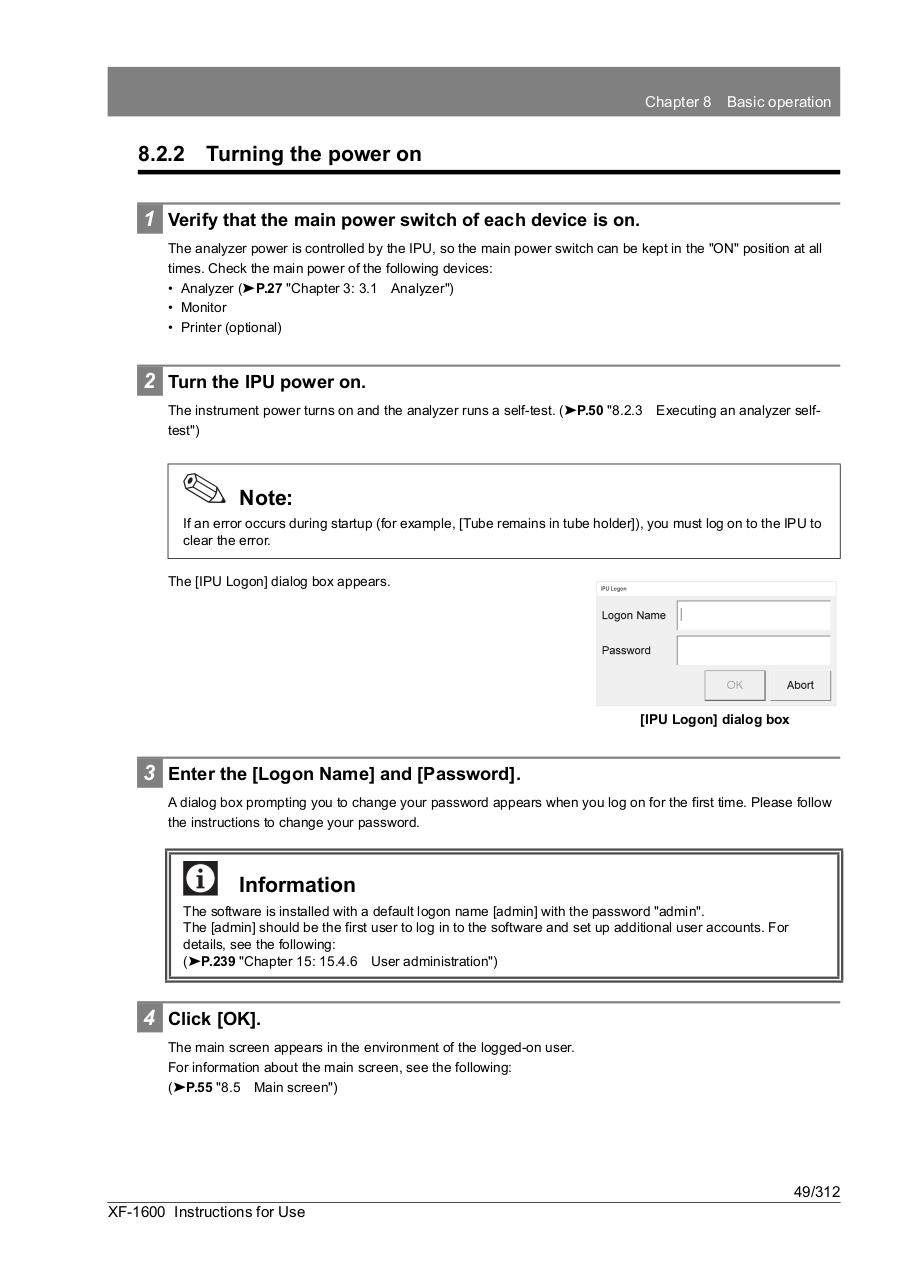
The [IPU Logon] dialog box appears.
[IPU Logon] dialog box
3 Enter the [Logon Name] and [Password].
A dialog box prompting you to change your password appears when you log on for the first time. Please follow
the instructions to change your password.
Information
The software is installed with a default logon name [admin] with the password "admin".
The [admin] should be the first user to log in to the software and set up additional user accounts. For
details, see the following:
(➤P.239 "Chapter 15: 15.4.6 User administration")
4 Click [OK].
The main screen appears in the environment of the logged-on user.
For information about the main screen, see the following:
(➤P.55 "8.5 Main screen")
49/312
XF-1600 Instructions for Use