
Docker.pdf
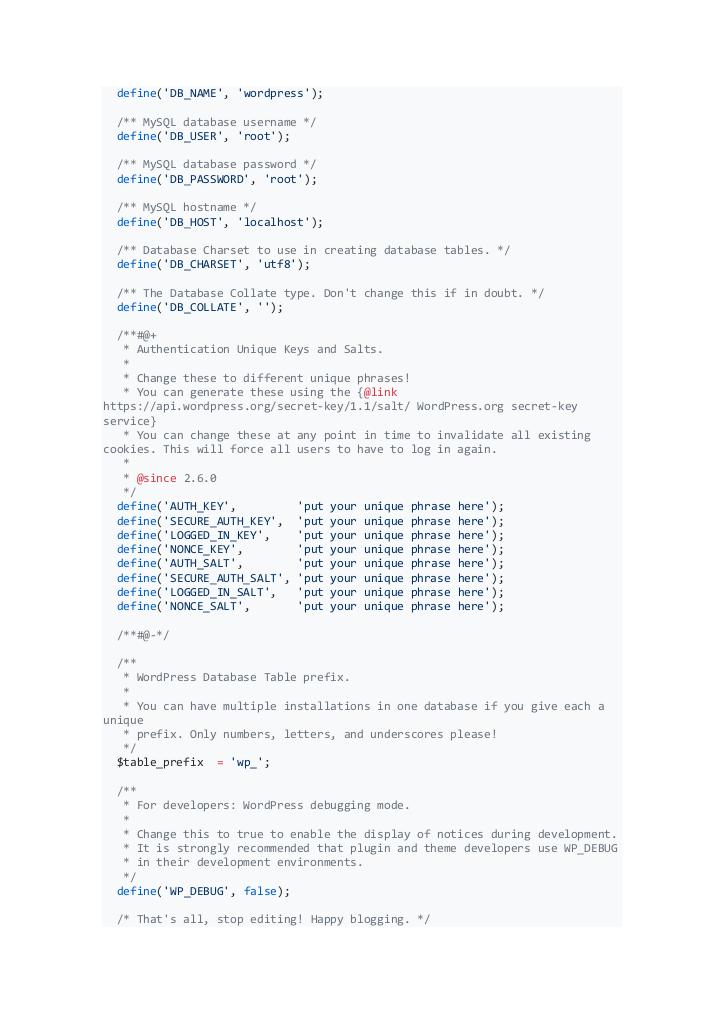
Vista previa de texto
define('DB_NAME', 'wordpress');
/** MySQL database username */
define('DB_USER', 'root');
/** MySQL database password */
define('DB_PASSWORD', 'root');
/** MySQL hostname */
define('DB_HOST', 'localhost');
/** Database Charset to use in creating database tables. */
define('DB_CHARSET', 'utf8');
/** The Database Collate type. Don't change this if in doubt. */
define('DB_COLLATE', '');
/**#@+
* Authentication Unique Keys and Salts.
*
* Change these to different unique phrases!
* You can generate these using the {@link
https://api.wordpress.org/secret-key/1.1/salt/ WordPress.org secret-key
service}
* You can change these at any point in time to invalidate all existing
cookies. This will force all users to have to log in again.
*
* @since 2.6.0
*/
define('AUTH_KEY',
'put your unique phrase here');
define('SECURE_AUTH_KEY', 'put your unique phrase here');
define('LOGGED_IN_KEY',
'put your unique phrase here');
define('NONCE_KEY',
'put your unique phrase here');
define('AUTH_SALT',
'put your unique phrase here');
define('SECURE_AUTH_SALT', 'put your unique phrase here');
define('LOGGED_IN_SALT',
'put your unique phrase here');
define('NONCE_SALT',
'put your unique phrase here');
/**#@-*/
/**
* WordPress Database Table prefix.
*
* You can have multiple installations in one database if you give each a
unique
* prefix. Only numbers, letters, and underscores please!
*/
$table_prefix = 'wp_';
/**
* For developers: WordPress debugging mode.
*
* Change this to true to enable the display of notices during development.
* It is strongly recommended that plugin and theme developers use WP_DEBUG
* in their development environments.
*/
define('WP_DEBUG', false);
/* That's all, stop editing! Happy blogging. */